Effective email subject lines help recipients make a quick, informed decision: is this message relevant to me, and is it worth my attention now? The goal is not to squeeze an open out of every subscriber. It is to communicate a useful promise that the email can actually fulfill.
For email marketers, CRM teams, and designers, that makes subject-line writing a cross-functional task. The copy must suit the audience, work alongside preview text, survive a narrow mobile inbox, and lead into a clear, accessible message. Measurement must also distinguish attention from meaningful action.
See also: outlook email rendering
This guide provides a repeatable writing framework, adaptable formulas, practical edits, and a testing process. All sample subject lines below are fictional examples, not reported campaign results.
Why subject lines matter—and what an open can and cannot tell you
A subject line does not work alone. Recipients also see a sender name, preview text, and contextual signals such as when the message arrived and whether previous emails were useful. A recognizable sender with a specific, relevant subject has a different starting point from an unfamiliar sender making a dramatic claim.
Think of the inbox decision as three questions: who is contacting me, what is this about, and why should I care? The sender name answers the first. The subject and preview text should answer the others without forcing the reader to decode a teaser.
An open, however, is not reliable proof that a person read the message. Open tracking commonly depends on a tracking image loading. Privacy features, image blocking, and automated client behavior can obscure, suppress, or inflate those signals. Apple Mail Privacy Protection, for example, can load remote content without indicating a deliberate human open.
Treat open rate as a directional diagnostic, not a complete definition of success. A promotional campaign may need purchases or revenue per delivered email. An onboarding message may need completed setup steps. A newsletter may prioritize qualified clicks and sustained engagement. Unsubscribes and spam complaints help reveal whether attention came at the expense of trust.
A practical framework for writing stronger email subject lines
1. Define the audience and the email’s job
Start with a sentence that does not belong in the subject line: “This email helps this audience do this next thing.” For example: “This email helps new subscribers choose their newsletter topics.” That brief keeps the copy focused on a recipient need rather than an internal campaign label.
A new customer, an active user, and a subscriber who has not engaged recently may need different reasons to open. Use segmentation to make the message relevant before using personalization to make it sound personal.
2. Select one useful detail
Choose the strongest concrete detail: the task someone can complete, the change they need to understand, the resource they will receive, or the genuine deadline. Do not compress an entire campaign brief into one line.
Example revision: “Exciting news you won’t want to miss” becomes “Schedule your reports for Monday delivery.” The revised version identifies the change and gives the reader enough information to judge its relevance.
3. Make the value specific and believable
Specificity is not the same as adding numbers. A named task or clearly defined problem can be more useful than an arbitrary list count. Prefer familiar language over slogans, and avoid benefits the email cannot substantiate.
Example revision: “Transform your email performance overnight” becomes “A checklist for reviewing your welcome email.” The second promise is narrower, but it is credible and easy to fulfill.
4. Remove friction without removing meaning
Cut redundant introductions such as “We wanted to let you know.” Move the important information toward the beginning. Keep the wording natural when read aloud, and check whether a shorter version becomes ambiguous.
Personalization should provide context, not merely display stored data. “Your saved workshop starts tomorrow” can be more useful than inserting a first name. If you use merge fields, verify data quality, capitalization, and fallback behavior before sending.
5. Write the preview text at the same time
The subject should establish the promise; preview text should extend it. Repeating the same sentence wastes scarce inbox space.
Example pairing: Subject: “Your reporting checklist is ready.” Preview: “Review tracking, segments, and conversion events before your next send.” The pair explains both what the email contains and how it helps.
Finally, compare both lines with the actual email. If the promised checklist is buried beneath unrelated promotions, either change the message hierarchy or change the promise.
Subject line formulas with examples for common campaign types
Use these email subject lines as starting structures, not guaranteed winners. Each formula works only when the audience, timing, and content support it.
Welcome and onboarding: next step + clear purpose
Formula: “Choose [preference] to get [relevant outcome].”
Example: “Choose your topics for a more useful newsletter.” This fits a welcome flow when subscribers can genuinely customize what they receive. For product onboarding, a simpler task-based example is “Create your first project.” Use it when that action is the appropriate next step, not when the recipient has already completed it.
Product or service updates: change + practical consequence
Formula: “[New capability] is here: [what it enables].”
Further reading: Forbes.
Example: “Scheduled exports are here: send reports automatically.” This is useful when the capability matters to the selected audience. If a change requires action, lead with that instead: “Update your billing details before renewal.” Do not bury a service requirement inside promotional language.
See also: birthday email examples
Educational newsletters: problem or task + useful resource
Formula: “How to [specific task] without [relevant obstacle].”
Example: “How to review email layouts without missing mobile issues.” Use this when the newsletter delivers a practical method. Another option, “A pre-send checklist for accessible email,” works when the resource itself is the strongest reason to open.
Promotions: concrete offer + genuine constraint
Formula: “[Offer] on [eligible items] until [deadline].”
Example: “20% off annual plans through Friday.” Use this only if the discount, eligible plans, and deadline are accurate. Explain material conditions clearly in the message. If there is no real deadline, omit one rather than manufacturing pressure.
Cart or browse follow-ups: relevant item + helpful next step
Formula: “Still considering [item or category]?”
Example: “Still considering the adjustable desk lamp?” This can fit an appropriately permissioned follow-up when the browsing or cart signal is reliable. The email should help the recipient decide through product details, delivery information, or answers to common questions. Do not claim an item is reserved or almost sold out unless that is true.
Event reminders: event + timing or access detail
Formula: “[Event] starts [time]: [next step].”
Example: “Email accessibility workshop starts tomorrow: join details inside.” This suits registered attendees who need logistical information. Include the full date, time zone, and access instructions in the email. Avoid relative timing when delivery delays could make it misleading.
Write for the inbox: mobile display, accessibility, and the full message
There is no universal ideal character count. Visible subject length varies with the device, app, screen size, sender-name length, font settings, and inbox layout. A line that appears complete in one environment may be truncated in another.
Front-load meaning rather than chasing a fixed limit. “Workshop moved to Thursday” communicates the essential update sooner than “An important scheduling update about your upcoming workshop.” Concise wording helps, but clarity matters more than hitting an arbitrary number.
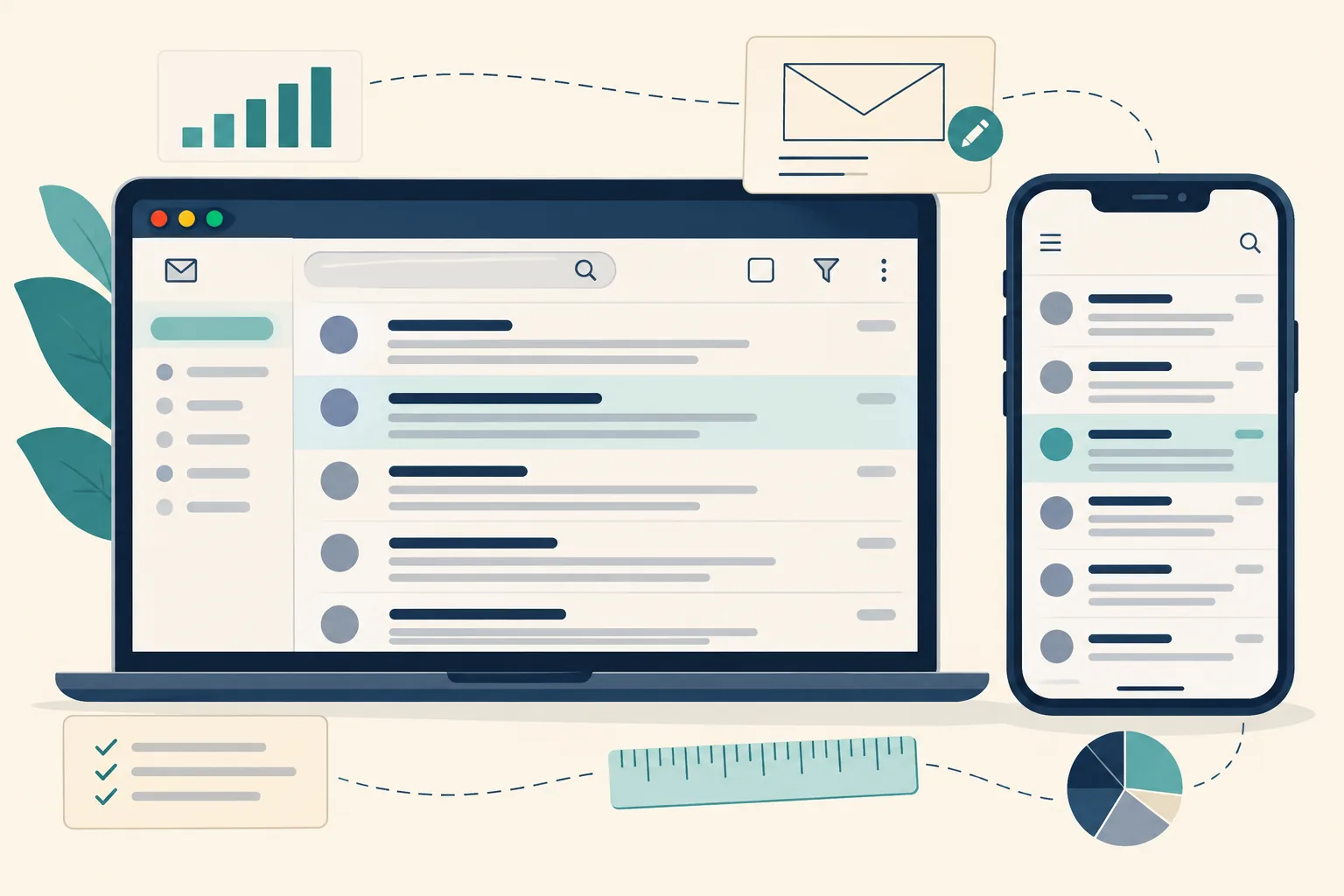
Review the sender name, subject, and preview text together in representative mobile and desktop inbox previews. Check that the preview does not unexpectedly begin with navigation labels or housekeeping copy. Email-client support varies, so verify the actual implementation rather than assuming a preview-text field will behave identically everywhere.
Keep meaning available in ordinary words. Emoji may render differently across platforms and may be announced by assistive technology in distracting ways. Symbols, decorative Unicode letters, and all-capital phrases can also make scanning or listening harder. If you include an emoji, the subject should remain understandable without it.
The inbox promise should continue into the email’s heading and opening content. If the subject offers a guide, make that guide easy to find. Designers should preserve that hierarchy with readable live text, logical reading order, descriptive calls to action, and useful image alternatives. An accurate subject cannot compensate for an email whose essential message exists only inside an image.
Common subject line mistakes—and how to fix them
Truthful subject lines are a trust requirement, not simply a copy preference. The U.S. Federal Trade Commission’s CAN-SPAM compliance guidance states that commercial email subject lines must accurately reflect the message’s content. Teams sending across borders should also consult applicable rules in other jurisdictions; CAN-SPAM is not a global compliance checklist.
- Vague wording. Example before: “An update for you.” After: “Your subscription renews on 12 October.” The revision identifies the event and gives the recipient a reason to prioritize it.
- Misleading clickbait. Example before: “There’s a problem with your account” for a routine upgrade promotion. After: “Compare the features in our paid plans.” The recipient can assess the offer without unnecessary alarm.
- False urgency. Example before: “Last chance!” for an offer available indefinitely. After: “Explore the current annual-plan offer.” Reserve deadlines for real constraints, and state the actual cutoff when one exists.
- Excessive punctuation or capitalization. Example before: “YOUR NEW FEATURES ARE HERE!!!” After: “New dashboard filters are available.” The edit replaces visual pressure with useful detail. Punctuation alone is not a reliable explanation for inbox placement, but it can affect perceived credibility.
- Keyword stuffing. Example before: “Email marketing tips, email strategy, email growth.” After: “Three checks before your next welcome campaign.” Subject lines should serve recipients, not imitate a search-keyword list.
- Awkward personalization. Example before: “Hello FIRST_NAME, your exclusive update.” After: “Your monthly account summary is ready.” Remove unnecessary fields or configure a natural fallback to avoid exposing broken data.
- Repetitive phrasing. Example before: “Your weekly update,” repeated every send. After: “This week: improve your preference center.” Keep a recognizable series label if useful, but add a meaningful reason to read this edition.
- Duplicated preview text. Example before: subject and preview both say “Registration closes Friday.” After: retain that subject and use “Choose a session and receive the preparation guide” as preview text, if accurate. Each element now contributes information.
Test, measure, and build a reusable subject line practice
A useful test starts with a question, not two unrelated drafts. For example: “For new subscribers, does naming the setup task generate more completed setups than leading with the general benefit?” That hypothesis connects a copy choice to a lifecycle objective.
Create variants that change one meaningful dimension. An example task-led variant is “Set your newsletter preferences.” A benefit-led alternative is “Get a newsletter matched to your interests.” Keep the sender, preview text, content, offer, and timing consistent where practical, so other differences do not obscure the result.
Use randomized, comparable audience groups and choose the primary metric before sending. For this onboarding example, completed preference selections per delivered email may be more useful than open rate. Clicks per delivered email can provide an intermediate signal, although automated security scanning can affect click reporting too. Use available bot filtering and validate downstream actions where possible.
Account for audience size, baseline performance, and the observation window. A small difference based on a handful of conversions is not a dependable winner. Let the test run long enough for the intended action, and avoid stopping as soon as one version briefly leads. If your platform automatically chooses winners by opens, check whether that behavior supports your real objective.
Interpret results within their context. A deadline-led subject may work for an expiring event registration and be inappropriate for an evergreen newsletter. A result from active customers may not transfer to new leads. Repeat promising approaches before treating them as a durable pattern.
A practical pre-send checklist
- Is the audience clear, and does the message support its next useful action?
- Does the subject accurately describe the email without false urgency or implied account trouble?
- Is the most important information early enough to survive truncation?
- Does preview text add relevant detail rather than repeat the subject?
- Have personalization fields, fallbacks, and representative inbox displays been checked?
- Does the email deliver the promise through clear, accessible content?
- Are the hypothesis, primary metric, audience split, and measurement window documented?
Maintain a lightweight subject-line library with the subject, preview text, audience, campaign type, tested approach, send date, hypothesis, primary outcome, and relevant caveats. Record inconclusive tests too. This creates a practical reference without turning one campaign’s result into an unsupported rule.
Before the next campaign, review the subject line, preview text, and email content as one promise. Then test one clear hypothesis and document the result against the campaign’s real objective. That discipline is more valuable than collecting attention-grabbing phrases without knowing when—or whether—they help recipients act.
See also: email marketing campaign ideas
Leave a Reply